
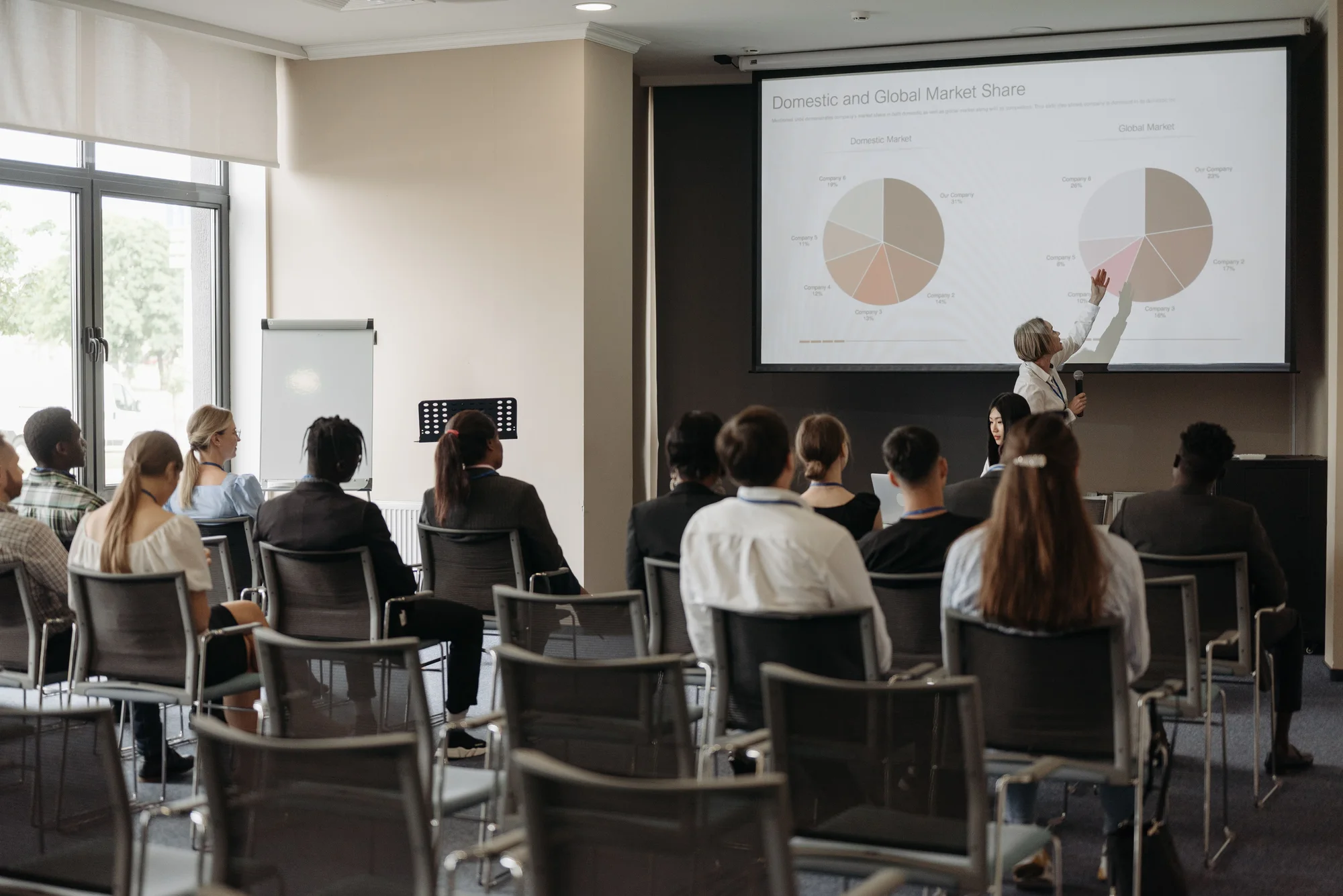
Start from the furthest viewer
Send a seating plan and an example of the content, including any small text or detailed diagrams. A large title slide is a poor test for a presentation full of tables. Ask whether the important information will be readable from the back and the sides.
Consider obstructions from people, pillars and stage furniture. The useful image needs to sit where the audience can see it, not merely where equipment is easiest to place. If one image cannot serve the room, discuss the layout before simply increasing the display size.
Check light and installation space
Projection is affected by ambient light, image size and the selected projector and lens. Tell the supplier about windows, room lighting and whether those conditions can be controlled. A brightness figure on its own does not establish that a particular presentation will work.
Projection also needs a suitable path between projector and screen. Front projection may interact with presenter movement; rear projection needs space behind the screen. Display screens need appropriate support, power and access too. Include these footprints in the room plan.
| Question | Why it changes the choice |
|---|---|
| How large and detailed is the content? | Sets the readability requirement. |
| How bright is the room? | Affects contrast and equipment selection. |
| Where can equipment safely go? | Determines feasible positions and support. |
| Who presents and moves where? | Reveals possible blocked views or shadows. |
Test the real presentation
Check the final slides and videos through the intended playback device and connections. Include audio if a video needs it. Agree who advances slides, whether the presenter needs a separate view and what happens when sources change.
If you are unsure which route suits the room, ask for a specification discussion using the plan and sample content rather than booking a projector or screen by size alone.
Put it into practice
Send these details for AV hire
- Room plan, audience layout and daylight conditions.
- Example slides or video and the furthest viewing position.
- Available equipment space, playback device and support needed.
Technical references
Manufacturer and official guidance behind the technical points in this article. Follow the instructions for the specific equipment and the arrangements agreed with your venue.
Help with the job
Audio visual hireExplore the service or ask the team about your own requirement below.
View hire prices & build a list