
Turn the agenda into a technical programme
For each session, record the number of presenters, whether they stay at a lectern or move, and whether slides, video or audio are needed. Add panels, audience questions, awards, walk-on music and any room changes. These transitions often need more coordination than an uninterrupted presentation.
Keep the public agenda and the technical running order distinct. Guests need to know when a talk starts. Operators also need to know which microphone is live, which file is next and who gives the cue. Nominate a person who can approve changes when the programme moves.
Make the content readable from the audience
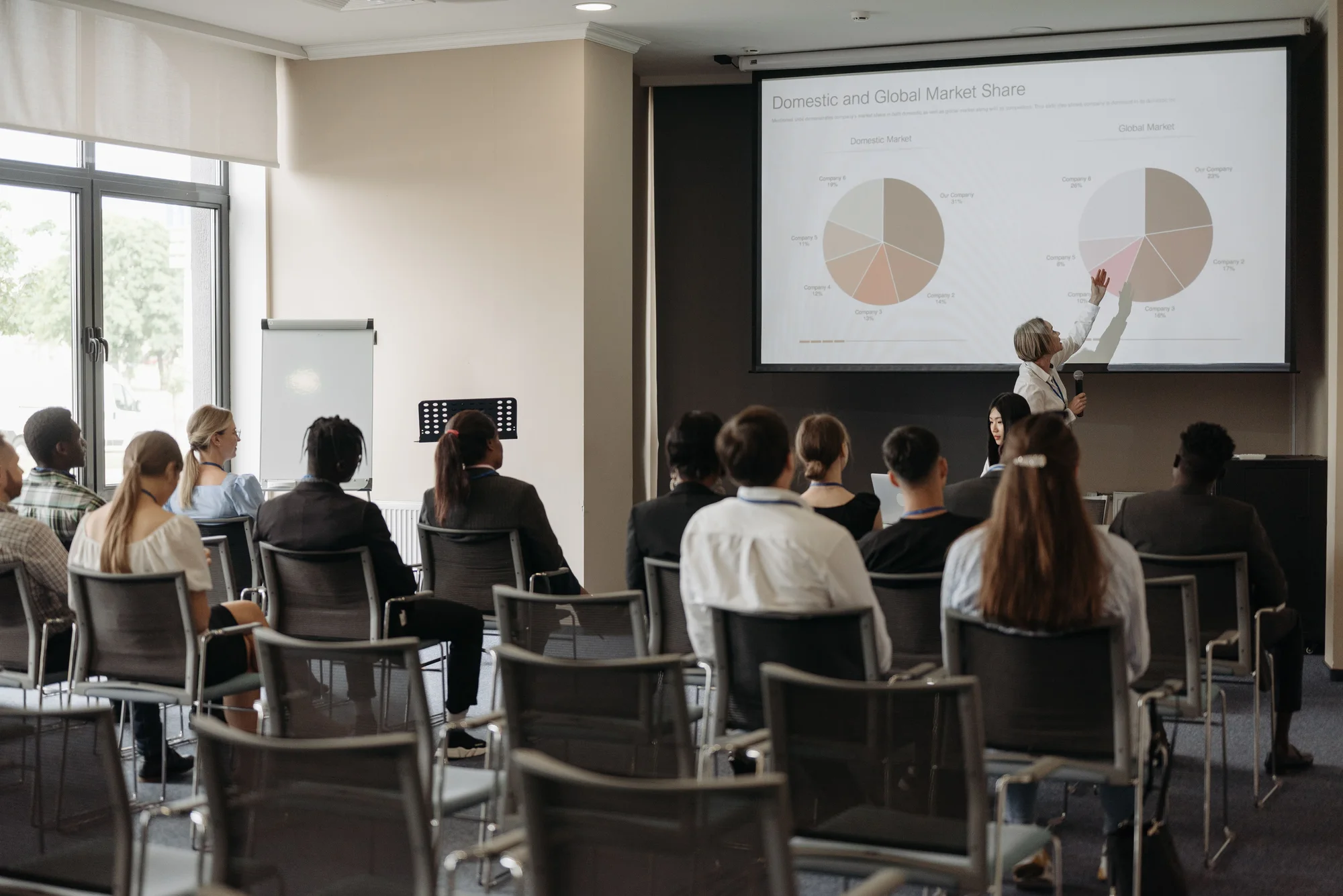
Send a seating plan and a representative slide, including the smallest text that must be read. Do not select a display only by the diagonal measurement. Distance, viewing angle, daylight and obstructions all affect whether people can use the content.
Discuss the space needed for projection or display supports and how this fits with the stage and audience routes. If presenters need to see their slides without turning away from the audience, include that requirement in the brief. Test the actual content in the proposed layout where practicable.
Give every contribution an audio route
List lectern speakers, moving presenters, panel members and audience questions separately. Choose microphones for how people participate. A Q&A also needs a plan for getting the microphone to the person asking the question, not just a spare microphone on the equipment list.
For remote guests or a recording, describe exactly what they should receive: presenters, videos, audience questions and perhaps interpretation. The room mix, remote feed and recording are different outputs. Ask the technical team to confirm the required routing and support before promising those features to attendees.
| Programme element | Decision to make |
|---|---|
| Presenter | Lectern, handheld or worn microphone; slides controlled by whom? |
| Panel | One channel per participant or an agreed sharing arrangement? |
| Audience Q&A | Roving microphone or fixed question point, with a moderator? |
| Video | Playback source, sound route, start cue and fallback? |
| Remote contribution | What the guest hears, sees and sends back to the room? |
Collect media before the event
Agree a file deadline and a naming convention, then test the final presentations on the playback system. Keep a clear version history so a late revision does not silently replace a file already checked. Include embedded video and audio, fonts and any externally linked content in that check.
Give the operator a cue description rather than ‘play the video somewhere here’. State the trigger, whether audio begins immediately and what should appear afterwards. Decide how to continue if an asset will not play. A still slide or a presenter’s spoken summary may be more useful than a frantic search during the session.
Rehearse the transitions and hand over the plan
Build time for presenters to practise microphone use and presentation control. Test a complete transition: introduction, walk-on, slides, video, questions and exit. For remote participation, carry out a test with someone outside the venue so you hear the actual return path.
Before doors open, confirm the latest running order, key contacts and who can request a technical change. Brief room staff about microphone movement and presenter access. If support is needed throughout the programme, include those operating hours in the quotation rather than booking setup alone.
Put it into practice
The conference AV handover
- Room plan, audience layout and sightline requirements.
- Session-by-session presenter and microphone list.
- Final slides, video and audio, with cue instructions.
- Separate requirements for remote guests or recordings.
- Access, rehearsal and operating times, with one decision-making contact.
Technical references
Manufacturer and official guidance behind the technical points in this article. Follow the instructions for the specific equipment and the arrangements agreed with your venue.
Help with the job
Conference productionExplore the service or ask the team about your own requirement below.